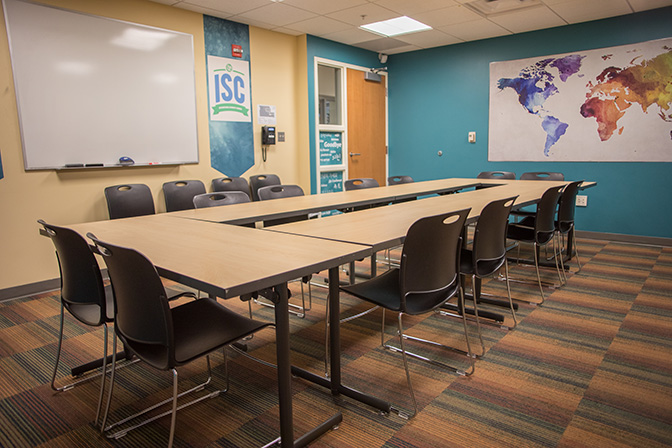
Event and Meeting Space Reservations
Registered Student Organizations must register their events, meetings, and tables in WSU Involve
-
Step One: Request Space in Mazevo
Login to mymazevo.com with your WSU email.
Click "Add New Request" and enter:
Event name, type, department, estimated attendance.
Set start and end times.
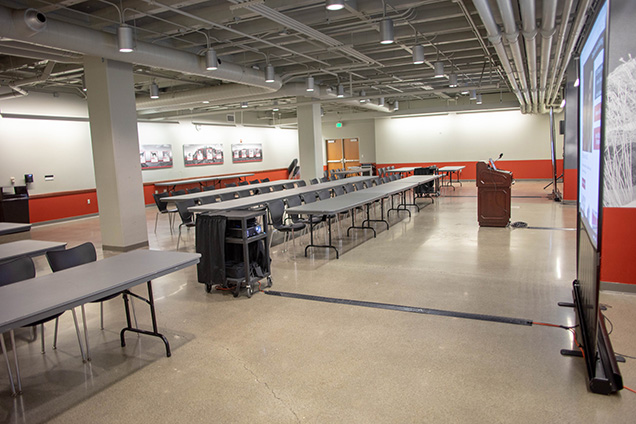
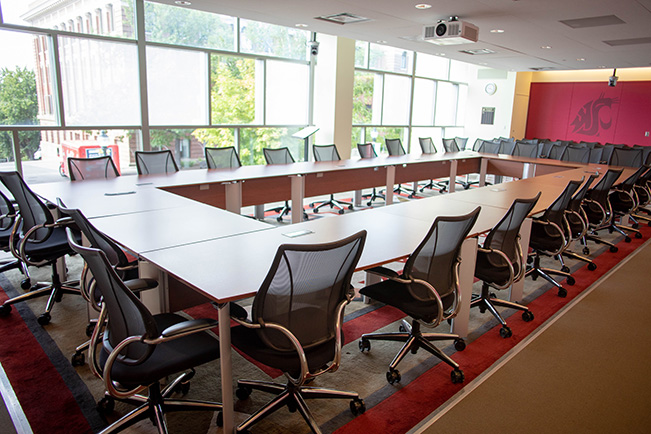
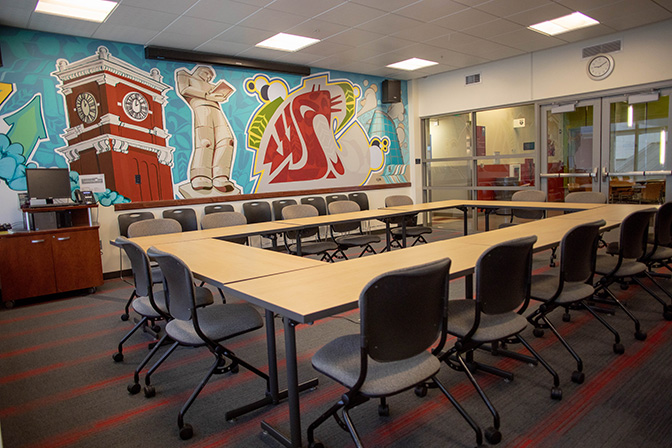
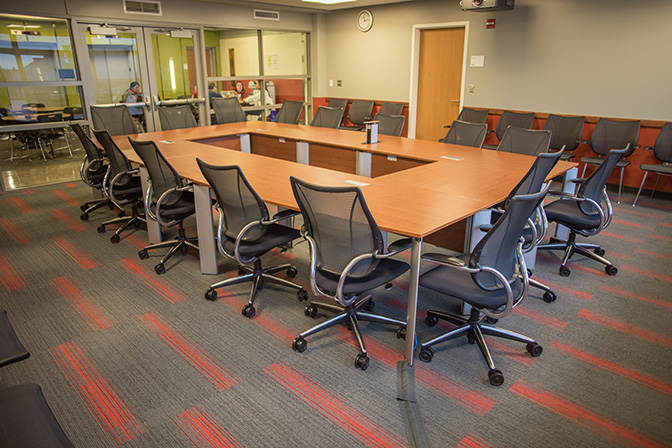
Select Compton Union Building and choose a room layout.
Complete all prompted questions and submit.
-
Optional: Submit WSU Catering Request
Go to catering.wsu.edu if ordering catering through WSU.
Review menus and pricing.
Click "Submit a Request" and provide:
Contact info, event details, full timeline (including catering service times.)
Check "Send me a copy of my responses" and submit.
-
Step Two: Initial Confirmation
A CUB scheduler will process your Mazevo request and a tentative reservation is created.
The Catering team will create a BEO in Mazevo if applicable.
You'll receive:
Tentative confirmation email.
CUB Event Host Expectations and Safety documents
Catering confirmation link and review details
-
Step Three: Finalize Details
Schedule a details meeting (at least 15 business days before event) with the CUB scheduler and event tech and confirm:
Date, time location
Room diagram and AV needs
Safety announcement and agenda
That Catering has been contacted
Confirm catering order and guest count (due 7 days before event)
Return signed catering confirmation to wsu.catering@wsu.edu
-
Step Four: Last Pieces
Host receives final confirmation and diagram
Event occurs; notes and guest count recorded
After the event:
You'll receive a feedback survey about three days after the event
Billing adjustments are made
Invoice sent within 2 weeks.
Event Spaces
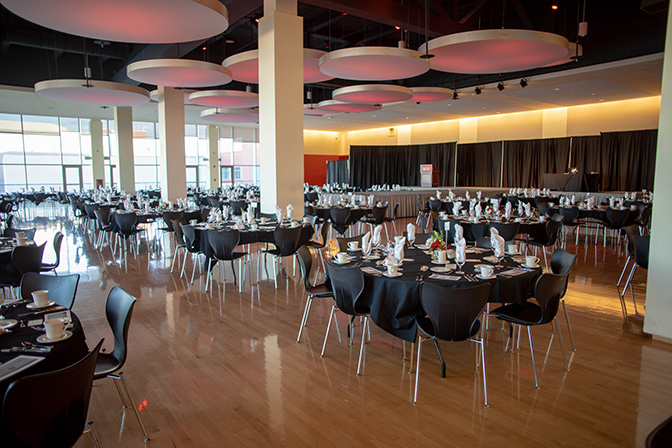
Senior Ballroom 220
Maximum capacity: 1000
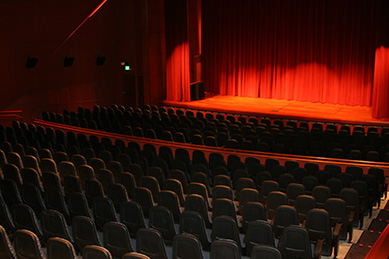
Auditorium 177
Maximum capacity: 475
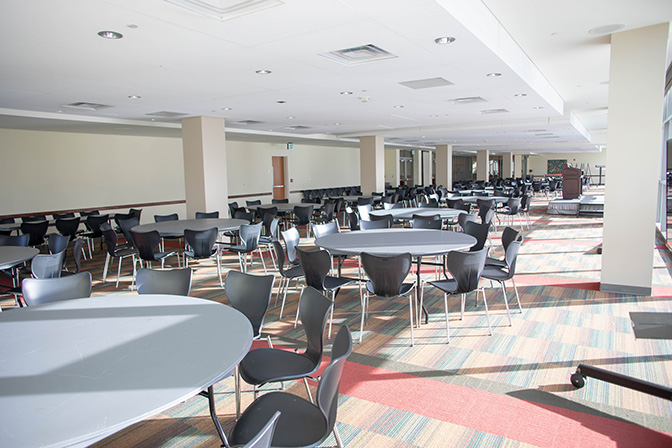
Junior Ballroom 210-212
Maximum capacity: 300